
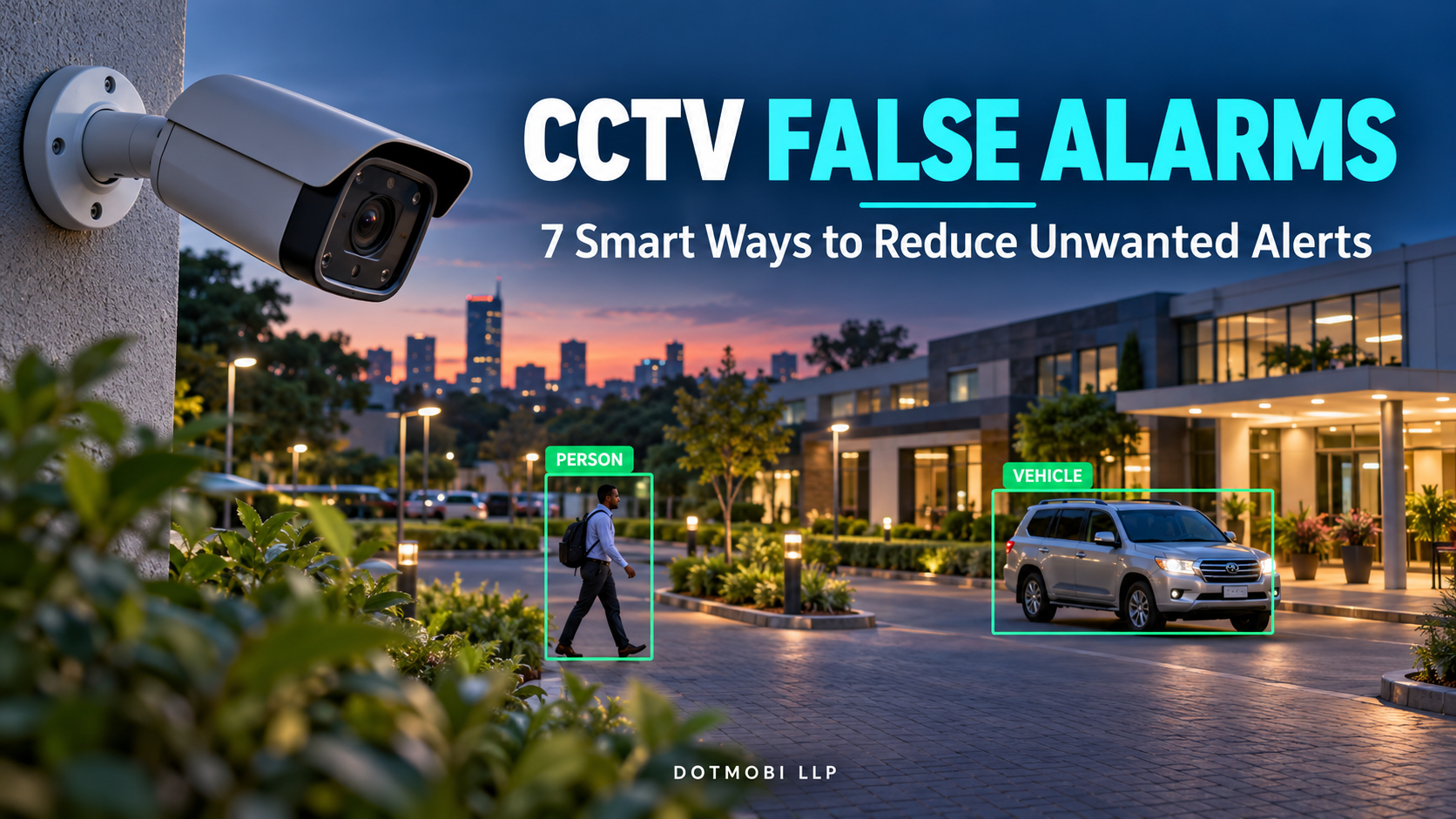
CCTV false alarms can turn a useful security system into a constant source of interruptions. Your phone keeps buzzing, but when you open the footage, you find moving branches, passing headlights or normal activity outside your property.
For homes and businesses in Kenya, this creates a practical problem: when most notifications require no action, people may become slower to check the next alert.
A better approach combines suitable equipment, carefully defined detection areas, good camera positioning and regular testing.
This guide explains seven practical ways to reduce unwanted notifications while keeping attention on events that matter.
What Are CCTV False Alarms?
CCTV false alarms are alerts that do not correspond to the security event you intended to detect.
Sometimes the camera correctly detects movement, but that movement is irrelevant to your security rule. A branch moving outside a warehouse is real movement. However, it does not necessarily justify sending the manager an intrusion notification.
Common nuisance triggers include:
- Moving trees, foliage and flags.
- Animals passing through the scene.
- Headlights and changing shadows.
- Heavy rain and camera vibration.
- Routine movement in areas that do not need an alert.
Axis motion detection documentation identifies several of these triggers and describes filtering and detection-area controls that can help reduce them.
The first question should therefore be: What specific event should this camera alert us about?
Why Reducing CCTV False Alarms Matters
Imagine a business owner receiving repeated notifications from a camera facing both the entrance and a busy road.
Most alerts show traffic outside the premises. Eventually, the owner mutes notifications. Later, a person enters the compound after closing time, but the alert receives little attention.
This is an illustrative example, but it shows why notification quality matters.
A useful system should help the person responsible understand:
- Which camera detected the event.
- What happened and where.
- Whether the event needs prompt attention.
- Which recording to review.
Reducing CCTV false alarms should make monitoring more useful. Simply switching off every notification leaves the underlying security need unresolved.
1. Use Human and Vehicle Detection Where Supported
Basic motion detection responds to movement in the scene. Object classification adds another layer by attempting to distinguish people or vehicles from other activity.
For example, Hikvision describes AcuSense as technology available in selected cameras and recorders that uses video analytics to detect humans and vehicles and deliver notifications. Availability depends on the equipment.
Before buying or upgrading, ask your installer:
- Does this exact model support human or vehicle classification?
- Does the camera or the recorder perform the analysis?
- How many channels support the required feature simultaneously?
- Will the feature work with the existing cameras?
- Are additional licences or compatible firmware required?
Do not assume that every product labelled “smart CCTV” offers the same capabilities.
Practical recommendation: Define the event you need first, then verify that the proposed equipment supports it.
2. Define Detection Zones Around Important Areas
A camera may need a wide view for recording, while notifications should cover a smaller area.
For a shop, the important alert area might be the doorway after closing. For a residential compound, it might be the inside of the gate rather than the public road.
Compatible systems allow detection areas and, in some cases, exclusion areas to limit where activity triggers an event.
A practical setup process is:
- Open the camera view.
- Identify the entrance, boundary or restricted area.
- Draw the detection zone around that area.
- Exclude irrelevant movement where the equipment supports it.
- Walk through the protected area and confirm detection.
Avoid excluding a genuine access route simply because it generates inconvenient notifications.
Practical recommendation: Keep the zone focused, but test its edges and every route into the protected area.
3. Choose an Alert Rule That Matches the Risk
Different locations need different rules.
A busy entrance may not benefit from an alert for every movement. A restricted store after closing may need an immediate notification when someone enters.
Depending on the equipment, available rules may include detecting a person in an area, crossing a virtual line or remaining in an area beyond a selected time. The Axis Object Analytics user manual documents these as distinct analytics scenarios.
Examples to discuss with your installer include:
- Closed shop entrance: A person enters the protected area.
- Restricted boundary: A person crosses a defined line.
- Private parking entrance: A vehicle crosses into the compound.
- Area where prolonged presence matters: A person remains beyond a suitable time.
- Public road outside the property: Record the view without unnecessary intrusion notifications.
These are planning examples. The correct choice depends on the site and supported features.
Practical recommendation: Write the desired event in plain language before configuring it—for example, “Notify the supervisor when a person enters the loading area after closing.”
4. Improve Camera Position and Lighting
Reducing CCTV false alarms requires attention to the image the camera receives.
Poor positioning, obstacles, insufficient illumination and motion blur can affect analytics performance. Axis explains that a video image that looks acceptable to a person may still be unsuitable for reliable automated analysis.
During a site review, check:
- Whether people are clearly visible in the protected area.
- Whether a wall, tree or parked vehicle blocks the view.
- Whether the mount is secure.
- Whether headlights or nearby surfaces create difficult reflections.
- Whether the scene remains usable after dark.
Review an actual moving person at night. A clear daytime picture does not establish that the same camera will perform well under different conditions.
Practical recommendation: Ask for a day and night demonstration using the intended detection rule.
5. Set Alert Schedules Around Your Operations
An entrance used throughout the working day may become a sensitive area after closing.
Where supported, schedules can make notification rules relevant to operating hours. Axis documentation, for example, describes using different profiles and scheduled conditions for day and night configurations.
For a business, consider:
- Opening and closing times.
- Weekend activity.
- Cleaning and maintenance visits.
- Authorised deliveries.
- Areas that remain restricted throughout the day.
Confirm the recorder’s clock and time zone before relying on a schedule.
Also assign someone to update the settings when operating hours change. A schedule that matched the business six months ago may no longer reflect current activity.
Practical recommendation: Give each rule a clear name, such as “Rear Entrance After Closing,” and record who is responsible for it.
6. Tune Filters Carefully and Maintain the Scene
Some systems offer sensitivity controls, object-size filters or settings that ignore very brief movement. These can help address particular nuisance triggers, but their availability and behaviour vary.
Axis describes small-object and short-lived-object filters for supported scenarios.
Use a controlled adjustment process:
- Review the recording behind an unwanted alert.
- Identify its likely cause.
- Change one relevant setting.
- Repeat a genuine detection test.
- Record the result before making another change.
Do not assume that the lowest sensitivity is the best setting. A quieter system still needs to detect the events you care about.
Maintenance matters too. Dirty camera covers, spider webs and changes in the surrounding scene can affect detection.
Practical recommendation: Review nuisance alerts alongside lens cleaning, vegetation changes and mounting condition.
7. Test the Complete Notification and Response Process
A configured detection rule is only one part of the system.
For your own authorised premises, arrange a controlled test and verify the full process:
- Person enters the protected area: Confirm that the intended event is detected.
- Person moves near the zone boundary: Confirm that coverage matches the intended boundary.
- Vehicle enters, if relevant: Confirm that the configured vehicle rule works.
- Activity occurs after dark: Confirm that detection remains useful.
- Alert reaches the assigned phone: Confirm that the notification is delivered and understood.
- Recipient opens the event: Confirm that the relevant footage can be reviewed.
- Unwanted movement occurs: Check whether nuisance notifications are reduced.
Do not judge success only by a lower alert count. Check whether genuine test events were detected as well.
Keep a simple record of the camera, rule, conditions, result and any adjustment required.
Practical recommendation: Repeat testing after changing camera position, lighting, firmware or detection settings.
Keep Recording Available When Analytics Miss an Event
CCTV false alarms deserve attention, but automated classification can also miss events.
Axis recommends considering additional recording triggers rather than relying solely on object classification, particularly where its operating conditions cannot always be assured.
Discuss an appropriate recording arrangement with your installer. Depending on your needs and equipment, this may involve continuous recording or another suitable recording rule alongside selected notifications.
Also agree on who receives alerts and what they should do. An alert identifies an event for review; it does not automatically establish wrongdoing.
Can Existing CCTV Systems Be Improved?
Some installations may improve through better positioning, detection zones, schedules or maintenance.
Others may need compatible cameras or a different recorder to support the required analytics.
Before replacing equipment, prepare an inventory of:
- Camera and recorder model numbers.
- Firmware versions.
- Existing alert capabilities.
- The cameras producing nuisance notifications.
- The events you actually want detected.
Ask for an assessment based on these details. Increasing the number of cameras alone does not resolve poorly defined alert rules.
Frequently Asked Questions About CCTV False Alarms
Can smart cameras eliminate CCTV false alarms completely?
No system should be assumed to deliver perfect detection. Suitable analytics and configuration can help, but performance still depends on the scene, equipment and operating conditions.
Does human detection identify a particular person?
Human detection classifies an object as a person. It does not, by itself, establish the person’s identity or permission to enter.
Should I switch off motion alerts if there are too many?
First review the cause. Zones, schedules, maintenance or supported classification features may help. Any decision to disable an alert should account for the security purpose it serves.
Will every existing camera support human and vehicle detection?
No. Verify the exact camera and recorder combination, supported features and channel limits before purchasing an upgrade.
How do I know the changes worked?
Compare unwanted alerts before and after adjustment, and repeat controlled tests of genuine events. Both results matter.
Discuss Your CCTV Requirements With Dotmobi
An effective CCTV installation starts with clear requirements: what to monitor, when to send an alert and who should respond.
Explore Dotmobi’s CCTV solutions and contact Dotmobi to discuss your premises, existing equipment and monitoring needs.
When requesting an assessment, provide your camera count, equipment models and examples of unwanted alerts. This helps make the discussion specific to your installation.